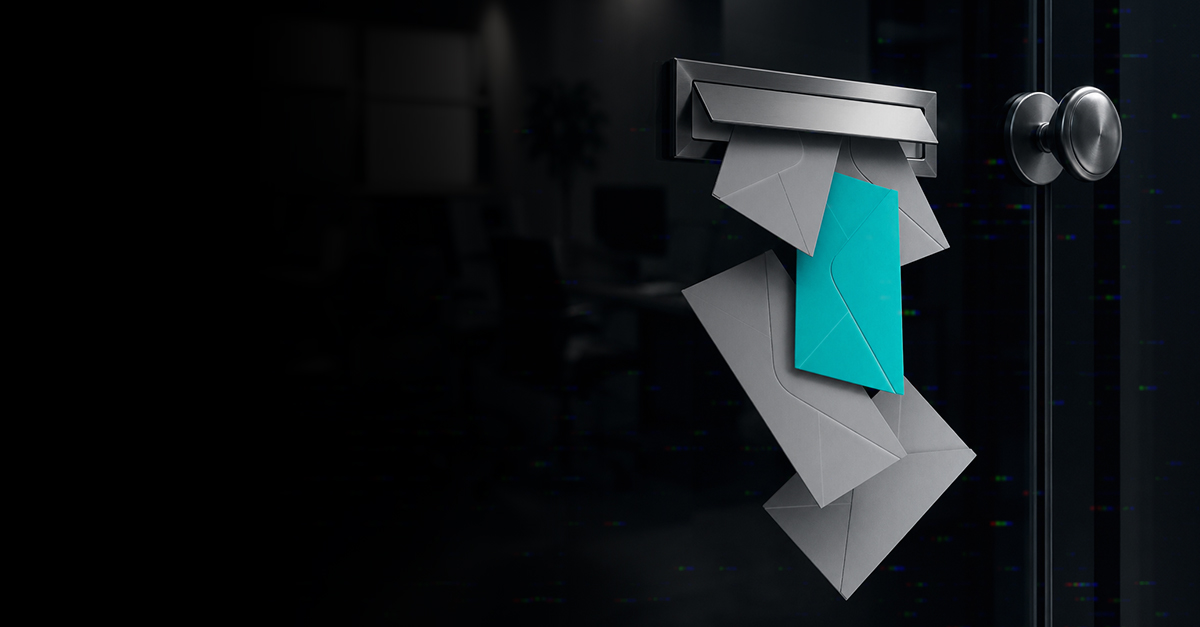
We’ve all seen the obvious phishing emails. The strange grammar. The unexpected attachment. The message from a bank you don’t use telling you to “ACT IMMEDIATELY.”
Those are usually pretty easy to spot. The problem is that phishing emails aren’t always obvious anymore.
Today, a phishing message can look like it came from a vendor you work with, someone in your organization or even your boss. It may reference something that sounds completely legitimate and look almost identical to an email you receive every day.
AI is making it even easier to create convincing messages quickly.
That means telling employees to “just don’t click suspicious emails” isn’t much of a cybersecurity strategy anymore.
The Myth: “I’d Know a Phishing Email If I Saw One”
Maybe. But would everyone in your organization? And would you recognize one that didn’t look suspicious?
Modern phishing attempts don’t always have spelling mistakes and strange-looking email addresses. They can be polished, professional and targeted specifically to the person receiving them.
An attacker may find information about your business online, learn the names of employees or vendors and use those details to make a message more believable.
Instead of:
“Click here immediately or your account will be deleted!”
it might look more like:
“Hi Kara, can you take a look at the updated invoice before I submit it?”
That’s a much different decision for the person receiving it.
The goal isn’t to make employees suspicious of every email they receive. It’s to help them recognize when something deserves a second look.
Phishing Isn’t Just Email Anymore
Email is still a common way phishing attempts reach businesses, but it’s certainly not the only one.
Attackers go wherever people communicate.
Email Phishing
This is the version most people know. An email appears to come from Microsoft, a bank, vendor, shipping company or another familiar organization. It asks you to click a link, open an attachment, sign into an account or provide information. The page you reach may even look almost identical to the real website.
Spear Phishing
Spear phishing is more targeted.
Instead of sending the same message to thousands of people, an attacker researches a particular person or organization and creates a message specifically for them. That extra context can make the message much more believable.
Business Email Compromise
This is an especially important one for businesses.
An attacker may impersonate, or actually compromise, the email account of an owner, executive, employee or vendor.
The message might ask someone to:
- Pay an invoice
- Change a vendor’s banking information
- Purchase gift cards
- Redirect payroll
- Send confidential information
- Reset a password
Often, there’s a sense of urgency: “I need this taken care of before my meeting.”
If the request involves money, credentials or sensitive information, slowing down for a minute can save a business from a much bigger problem.
Text Message Phishing
Phishing can arrive by text message too.
You may receive a message about an unexpected package, unpaid toll, account problem or password reset. The same rule applies: don’t assume a message is legitimate simply because it came to your phone instead of your email.
Phone Calls and AI-Generated Voices
This is where AI adds another wrinkle. Technology can now be used to imitate someone’s voice, making a fraudulent phone call or voice message sound more believable.
You don’t need to become an expert in detecting AI-generated audio.
Instead, your business needs a process for verifying unusual requests—particularly when money or sensitive information is involved.
QR Code Phishing
QR codes have become so common that most of us scan them without giving them much thought. But a QR code is really just another way to send you somewhere.
A malicious QR code can take you to a fake login page designed to collect your username and password. Treat an unexpected QR code the same way you’d treat an unexpected link.
AI Has Made Phishing Better, Not Magical
There’s a lot of conversation about AI and cybersecurity right now. It’s important, but we don’t need to make it scarier than it is. AI gives attackers tools that can help them write better emails, personalize messages and potentially imitate someone’s voice or appearance.
What it doesn’t do is make phishing impossible to defend against. Many of the same good security practices still work. The difference is that we can’t rely on bad grammar to protect us anymore.
So, What Should Your Employees Actually Do?
We don’t expect employees to analyze email headers or become cybersecurity experts. There are a few habits that can make a big difference.
Slow down when something feels urgent.
Creating urgency is a common way to get someone to act before they think.
Be careful with unexpected login requests.
If an email says your Microsoft 365 password is expiring, for example, don’t automatically use the link in the message. Go directly to the service instead.
Verify unusual financial requests another way.
If a vendor suddenly asks you to change banking information, call the vendor using a phone number you already know—not the number provided in the email.
Use multi-factor authentication.
MFA adds another layer of protection if a password is compromised.
Pay attention to unexpected changes.
A familiar name with a slightly different email address, an unusual request from someone you know or a vendor suddenly changing payment instructions should all be reasons to verify.
And perhaps most importantly:
When you’re not sure, ask.
We’d Rather You Ask
This is something we want our clients and their employees to understand.
If you receive an email and something doesn’t seem right, send it to us or give us a call.
You’re not bothering us.
You don’t need to feel silly if it turns out to be legitimate.
And we’d much rather spend a few minutes looking at a questionable message than spend hours dealing with what happened after someone clicked it.
The same goes if you’ve already clicked something.
Don’t wait to see what happens and don’t try to hide the mistake. Tell us.
The sooner your IT team knows what happened, the sooner they can determine whether anything needs to be done.
Technology Still Matters
Employee awareness is only one layer of protection.
Your business should also have security measures working behind the scenes.
Email security can help identify malicious messages before they reach an employee. Multi-factor authentication can make a stolen password less useful. Appropriate permissions can limit what a compromised account can access. Monitoring can help identify unusual activity.
And good backups provide another layer of protection if an incident affects your data.
No single one of these eliminates phishing.
The layers work together.
Cybersecurity Shouldn’t Make Employees Afraid to Use Technology
This is important to us at Hurricane Technologies.
We don’t want employees questioning every email to the point where they can’t get their jobs done. We want them to have enough awareness to recognize when something seems unusual and an easy way to get a second opinion when they’re unsure.
Combine that with the right security tools, training and ongoing monitoring, and you have a much stronger defense than simply hoping nobody clicks the wrong thing.
Because eventually, someone probably will.
The goal is to make that mistake less likely and less damaging when it happens.
How confident are you in your phishing protection?
Ask yourself a few simple questions:
Do your employees know what a modern phishing attempt can look like? Is MFA enabled? Are unusual financial requests independently verified? And does everyone know who to contact when they’re unsure about a message?
If you’re not sure about the answers, Hurricane Technologies can help you look at your current security, identify gaps and put practical protections in place that work for your business and your employees.